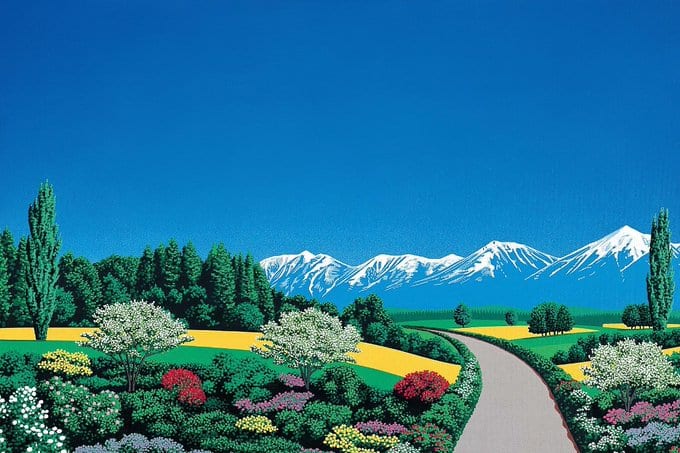
Squint at a photo and it falls apart into blocks of light and shadow. Set those blocks in type and you get something between a print and a puzzle.
Scroll down. The picture below starts as a handful of big glyphs and sharpens as it reaches the middle.
scroll ↓
fig. 1 — meadow.jpg
Every step down in cell size quadruples the number of characters, so the image resolves quickly at first and then settles in the details: a ridge, a petal, a reflection.
Keep scrolling and it stays sharp. Scroll back up and it coarsens again, so the effect is tied to the position, not to a timer.
reveal="ascii" stops at the finest grid instead of fading to the photo. With braille and a palette it reads like a print.
scroll ↓
Props
Prop
Type
Default
Description
src
string
—
Image URL. Cross-origin images need CORS headers.
alt
string
—
Accessible label for the canvas.
from
number
32
Cell size in pixels as the image enters from below.
to
number
6
Cell size once the image's centre reaches the middle of the view.
reveal
"photo" | "ascii"
"photo"
Photo cross-fades to the original over the last quarter. ASCII stays glyphs.
onProgress
(progress: number) => void
—
Scroll progress from 0 to 1, at most once per frame.
Engine props (inherited from AsciiCanvas)
Prop
Type
Default
Description
charset
CharsetName | string
"standard"
Named ramp or your own string, empty to dense. "braille" packs 2×4 dots per cell, "quadrants" 2×2 blocks.
fontSize
number
12
Cell size in CSS pixels. Smaller means more detail.
dither
"none" | "bayer" | "floyd"
"none"
Quantisation. Floyd–Steinberg for photos, Bayer for a retro look.
color
"ink" | "source" | string[]
"ink"
Ink uses the CSS colour (theme with text-*). Source keeps pixel colours. An array maps tone onto gradient stops, e.g. palettes.thermal.
edges
number
0
Outline contours with | / - \ where the tone gradient beats this strength. Try 0.3. Ramps only.
opacity
boolean
false
Fade each glyph by its tone.
brightness
number
0
Added after contrast, -1 to 1.
contrast
number
1
Multiplier around mid grey.
gamma
number
1
Tone curve exponent.
invert
boolean
false
Swap ink and blank.
animate
boolean
auto
On for fields, frames and video. Off under reduced motion, except video.
fps
number
30
Frame cap.
ref
Ref<AsciiHandle>
—
Exposes text(), svg(), png() and the canvas.
Notes
Scroll container. Progress follows the nearest ancestor that scrolls vertically, or the viewport when there is none. It reaches 1 when the image is centred and stays there as it scrolls out the top.
Accessibility. The canvas has role="img" and takes alt as its label. The fade-in photo is decorative (alt=""), so the label isn't read twice.
Motion. Under prefers-reduced-motion the image shows its final state straight away and ignores scrolling.
Performance. Scroll is read once per frame, and only while the image is on screen. The canvas redraws only when the cell size crosses a whole pixel; the photo fade is a CSS variable.