Images
ASCII Image Compare
Drag a divider between a photo and its ASCII version.
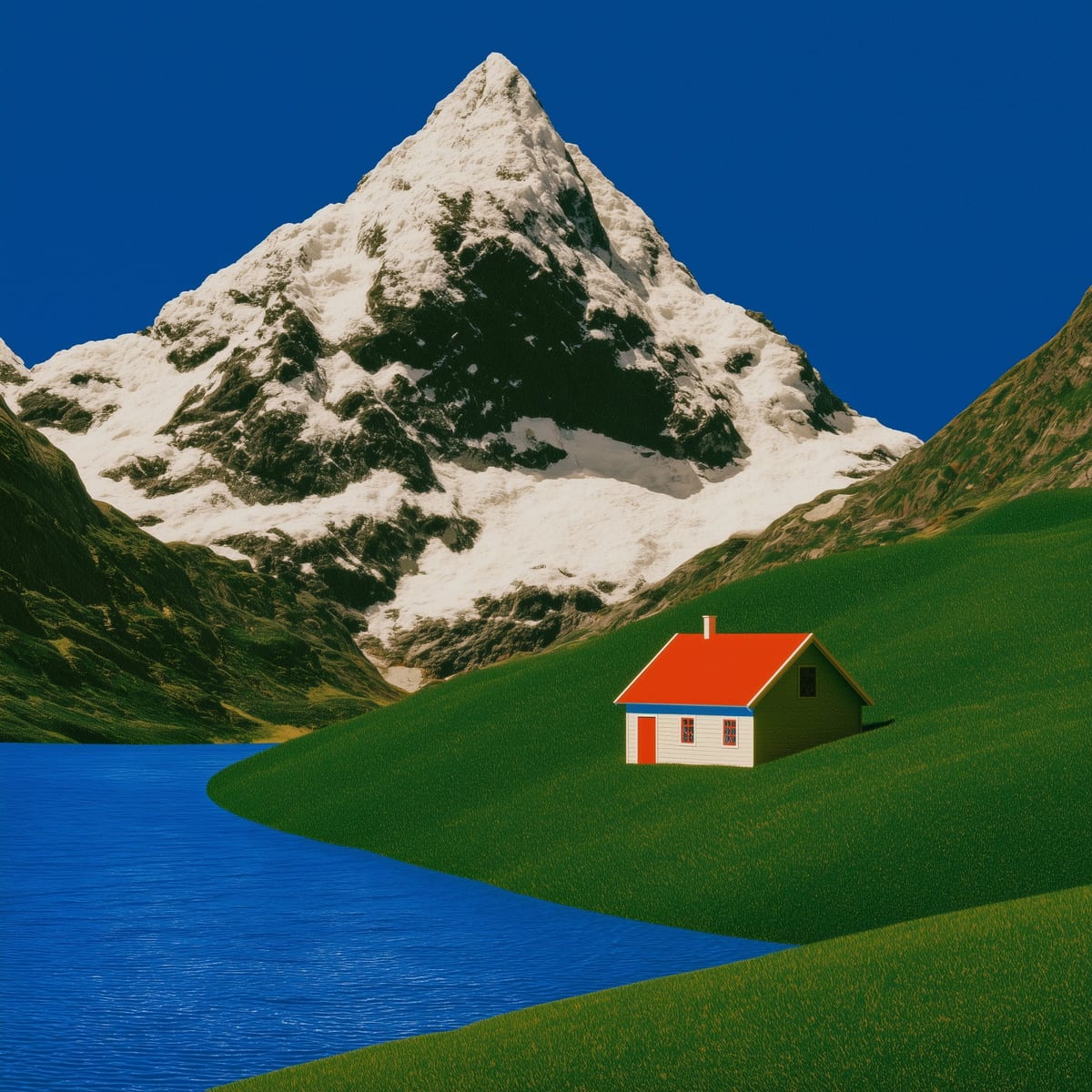
Before / after
Every photo, set in type
Drag the divider, or focus it and use the arrow keys. The glyphs are drawn live from the same file.
standard · floyd · 7px
Controls
photo
charset
dither
color
cell7
Installation
pnpm dlx shadcn@latest add @asciicn/ascii-image-comparePulls in the engine at lib/ascii on first install. The @asciicn namespace needs one line in components.json, see Installation.
Manual installation
Install the engine first with npx shadcn@latest add @asciicn/ascii-core, or copy lib/ascii from the repository.
Copy this into components/ascii/ascii-image-compare.tsx:
"use client"

import { useEffect, useRef, useState, type KeyboardEvent, type PointerEvent } from "react"

import { AsciiCanvas, type AsciiCanvasProps } from "@/lib/ascii"
import { cn } from "@/lib/utils"

export type AsciiImageCompareProps = Omit<AsciiCanvasProps, "source"> & {
  src: string
  alt: string
  /** Divider position from the left edge, 0 to 100. Pass it to control the slider. */
  position?: number
  defaultPosition?: number
  onPositionChange?: (position: number) => void
}

const clamp = (n: number) => Math.min(100, Math.max(0, n))

/** The photo on the left of a draggable divider, its ASCII version on the right. */
export function AsciiImageCompare({
  src,
  alt,
  position,
  defaultPosition = 50,
  onPositionChange,
  className,
  ...props
}: AsciiImageCompareProps) {
  const [image, setImage] = useState<HTMLImageElement | null>(null)
  const [inner, setInner] = useState(defaultPosition)
  const root = useRef<HTMLDivElement>(null)
  const handle = useRef<HTMLDivElement>(null)
  const pos = clamp(position ?? inner)

  useEffect(() => {
    const img = new Image()
    img.crossOrigin = "anonymous"
    img.onload = () => setImage(img)
    img.src = src
    return () => {
      img.onload = null
    }
  }, [src])

  const set = (next: number) => {
    const v = Math.round(clamp(next) * 10) / 10
    if (v === pos) return
    setInner(v)
    onPositionChange?.(v)
  }

  const fromPointer = (e: PointerEvent) => {
    const r = root.current!.getBoundingClientRect()
    set(((e.clientX - r.left) / r.width) * 100)
  }

  const onKeyDown = (e: KeyboardEvent) => {
    const step = e.shiftKey ? 10 : 1
    const next = {
      ArrowLeft: pos - step,
      ArrowDown: pos - step,
      ArrowRight: pos + step,
      ArrowUp: pos + step,
      PageDown: pos - 10,
      PageUp: pos + 10,
      Home: 0,
      End: 100,
    }[e.key]
    if (next === undefined) return
    e.preventDefault()
    set(next)
  }

  return (
    <div
      ref={root}
      className={cn("relative w-full cursor-ew-resize touch-pan-y overflow-hidden select-none", className)}
      style={{ aspectRatio: image ? `${image.naturalWidth} / ${image.naturalHeight}` : "1" }}
      onPointerDown={(e) => {
        if (e.button !== 0) return
        e.currentTarget.setPointerCapture(e.pointerId)
        handle.current?.focus({ preventScroll: true })
        fromPointer(e)
      }}
      onPointerMove={(e) => e.currentTarget.hasPointerCapture(e.pointerId) && fromPointer(e)}
    >
      <AsciiCanvas source={image} aria-label={`${alt}, as ASCII`} className="absolute inset-0" {...props} />
      {/* eslint-disable-next-line @next/next/no-img-element -- must be the same file the canvas samples, cropped identically */}
      <img
        src={src}
        alt={alt}
        draggable={false}
        className="absolute inset-0 size-full object-cover"
        style={{ clipPath: `inset(0 ${100 - pos}% 0 0)` }}
      />
      <div
        ref={handle}
        role="slider"
        tabIndex={0}
        aria-label="Divider between photo and ASCII"
        aria-valuemin={0}
        aria-valuemax={100}
        aria-valuenow={pos}
        aria-valuetext={`${Math.round(pos)}% photo`}
        aria-orientation="horizontal"
        onKeyDown={onKeyDown}
        className="group/handle absolute inset-y-0 flex w-6 -translate-x-1/2 justify-center outline-none"
        style={{ left: `${pos}%` }}
      >
        <div
          aria-hidden
          className="h-full overflow-hidden font-mono text-xs leading-[0.75] whitespace-pre-line text-white mix-blend-difference"
        >
          {"║\n".repeat(160)}
        </div>
        <div
          aria-hidden
          className="absolute top-1/2 flex -translate-y-1/2 items-center gap-0.5 rounded-full border bg-background px-1.5 py-1 font-mono text-[10px] leading-none text-foreground shadow-sm transition-shadow group-focus-visible/handle:ring-2 group-focus-visible/handle:ring-ring"
        >
          <span>◀</span>
          <span>▶</span>
        </div>
      </div>
    </div>
  )
}
Usage
import { AsciiImageCompare } from "@/components/ascii/ascii-image-compare"

<AsciiImageCompare
  src="/products/sneaker.jpg"
  alt="A white sneaker"
  dither="floyd"
  fontSize={7}
/>
Examples
Controlled
Pass position and onPositionChange to drive the divider from your own buttons, or to sync it with something else on the page.
50%
Props
| Prop | Type | Default | Description |
|---|---|---|---|
| src | string | — | Image URL. Loaded once and shared by the photo and the canvas. Cross-origin images need CORS headers. |
| alt | string | — | Describes the photo. The canvas is labelled with it too. |
| defaultPosition | number | 50 | Starting divider position from the left, 0 to 100. |
| position | number | — | Controlled position. Pair it with onPositionChange. |
| onPositionChange | (position: number) => void | — | Called while dragging and on every key press. |
Engine props (inherited from AsciiCanvas)
| Prop | Type | Default | Description |
|---|---|---|---|
| charset | CharsetName | string | "standard" | Named ramp or your own string, empty to dense. "braille" packs 2×4 dots per cell, "quadrants" 2×2 blocks. |
| fontSize | number | 12 | Cell size in CSS pixels. Smaller means more detail. |
| dither | "none" | "bayer" | "floyd" | "none" | Quantisation. Floyd–Steinberg for photos, Bayer for a retro look. |
| color | "ink" | "source" | string[] | "ink" | Ink uses the CSS colour (theme with text-*). Source keeps pixel colours. An array maps tone onto gradient stops, e.g. palettes.thermal. |
| edges | number | 0 | Outline contours with | / - \ where the tone gradient beats this strength. Try 0.3. Ramps only. |
| opacity | boolean | false | Fade each glyph by its tone. |
| brightness | number | 0 | Added after contrast, -1 to 1. |
| contrast | number | 1 | Multiplier around mid grey. |
| gamma | number | 1 | Tone curve exponent. |
| invert | boolean | false | Swap ink and blank. |
| animate | boolean | auto | On for fields, frames and video. Off under reduced motion, except video. |
| fps | number | 30 | Frame cap. |
| ref | Ref<AsciiHandle> | — | Exposes text(), svg(), png() and the canvas. |
Notes
- Accessibility. The divider is a
role="slider"witharia-valuenow. Arrow keys move it by 1, Shift or Page Up/Down by 10, Home and End jump to the edges. The photo keeps itsalt. - Pointer. Press anywhere on the image and drag. The pointer is captured, so dragging past the edge keeps working. Vertical touch scrolling still scrolls the page.
- Theming. Glyphs take the CSS
color, sotext-primarythemes them. The divider line usesmix-blend-differenceto stay visible over any photo. - Performance. The ASCII canvas draws once per prop change. Dragging only moves a
clip-pathon the photo, so the canvas never redraws.